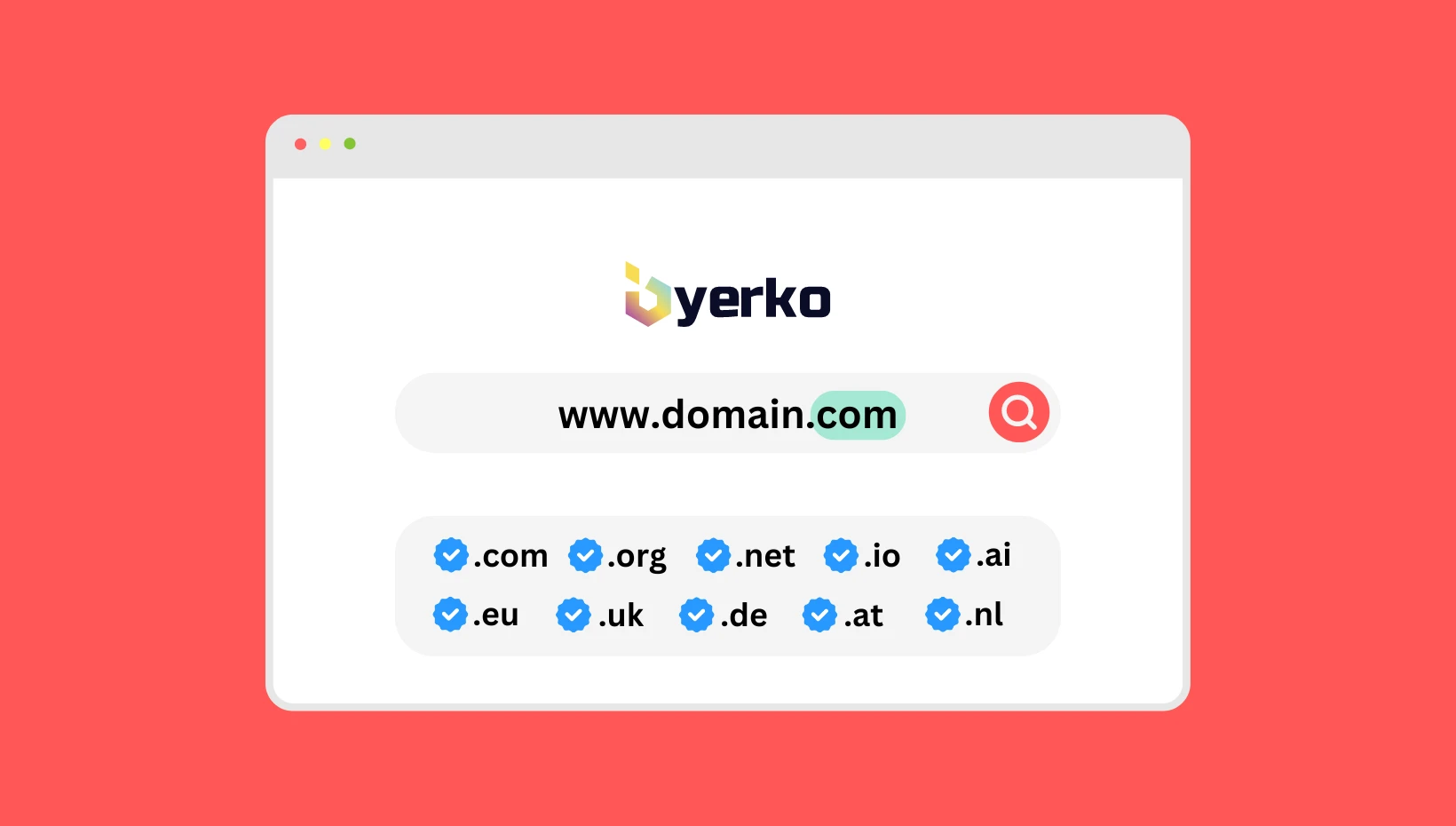
What is a domain and why is it important?
A domain is a unique address on the internet that allows users to access your website. Think of it as your home mailing address – without it, nobody can send you mail. The same applies online: without a registered domain, users cannot find your website.
Every website is actually linked to an IP address (e.g., 192.168.1.1), which is difficult to remember. A domain converts this complicated numerical code into an easy-to-remember name, such as mybusiness.si or shop.com, which anyone can easily type into a browser.
Why is a domain important?
- Brand recognition: A good domain is your “name” on the internet and is easier for people to remember.
- Visitor trust: A professional domain (e.g., mybusiness.si) inspires more trust than free solutions (e.g., mybusiness.weebly.com).
- Accessibility and visibility: Without a domain, visitors simply cannot find your site.
- Easier marketing and SEO: A short, well-chosen domain helps with better search engine rankings and is easier to share on social media.
Imagine you own a physical store. A domain is like the name and street address of your shop. If people don’t know where the store is, they can’t visit it – the same goes for a website without a domain.
The difference between a domain, website, and hosting
Many beginners confuse these three terms, but they are completely different parts of the same system. The easiest way to explain them is by comparing them to a physical store:
- Domain = shop address
This is the web address (e.g., mybusiness.si) that people type into a browser to “find” your online shop. Without a domain, visitors don’t know where to look for you, just like they wouldn’t find a store without a physical address. - Hosting = shop building
This is the space on a server where all your files are stored – images, texts, products, and videos. Even if you have an address, without a building (hosting) you wouldn’t have anywhere to place your shop. - Website = shop interior
This is the content visitors see – shelves, products, signs, and decorations in a store. A well-organized website is like a well-arranged shop that attracts customers.
Together, they form a whole: The domain directs visitors to the right address, hosting ensures there is space for them to view the website, and the website presents your offer or content.
How does a domain work in the background?
When you type a domain into a browser, your computer uses the DNS system to find its IP address and redirects you to the correct server where the website is hosted. This all happens within milliseconds, and you only see the simple web address.
How is a domain structured?
Every domain consists of several parts that together form a unique web address. The easiest way to compare a domain is to a person’s first and last name – both parts together identify who you are. For a domain, the key elements are the domain name and the domain extension. Sometimes, a subdomain is also used to further expand the main address.
Domain name
This is the part before the dot in a web address. For example, in mybusiness.si, mybusiness is the domain name. It is usually the name of a company, brand, or a keyword describing your activity.
- Best practice: Choose a short, simple, and memorable name (e.g., shop, fitness).
- Example: mybusiness.com – “mybusiness” is the domain name.
Domain extension (TLD – Top Level Domain)
This is the part after the dot (e.g., .si, .com, .eu) that indicates the country, organization, or type of activity the website is associated with.
- Country extensions: .si (Slovenia), .de (Germany)
- General extensions: .com (most popular worldwide), .org (organizations)
- Thematic extensions: .shop (online stores), .blog (blogs)
- Example: In mybusiness.si, “.si” is the domain extension.
Subdomain
A subdomain is an additional part before the domain name, separated by a dot (e.g., blog.mybusiness.si). It is used to divide the website into sections, language versions, or test environments.
- Blog example: blog.mybusiness.si
- Store example: shop.mybusiness.si
- Language example: de.mybusiness.si (German version)
Subdomain or subdirectory – Which is better for SEO?
- Subdomain (e.g., blog.mybusiness.si): Google often treats it as a separate website, so it may gain authority more slowly.
- Subdirectory (e.g., mybusiness.si/blog): Considered part of the main site and usually transfers authority to the main domain faster.
For blogs, online stores, and additional content, a subdirectory is often recommended.
How to choose the perfect domain name?
Choosing a domain name is one of the most important steps when creating a website. A good domain is like the name of a shop or brand – people need to remember it, type it easily, and associate it with your business. A wrong choice can mean lost visitors and poor brand recognition.
5 golden rules for the perfect domain name
- Keep it short and memorable
The name should be short (ideally up to 15 characters) and easy to pronounce. Example: fitnespro.si is a better choice than fitnes-pro-treningi123.si. - Avoid hyphens and numbers
Hyphens and numbers often confuse visitors and are harder to say out loud. Poor example: my-business123.si | Good example: mybusiness.si. - Relevant and connected to your business
The name should clearly indicate what you do. If you have a sports equipment store, sportshop.si is better than something generic, e.g., abc-store.si. - Use keywords for SEO (but wisely)
Keywords can help with search engine rankings, but don’t sacrifice branding. Example: physiotherapy-novak.si for local services, but for a bigger brand, a simple name like novak.si is better. - Think long-term
Choose a name you can use for years without changing it as you expand. Example: If you start with massages but later add physiotherapy, healthplus.si is better than massage-novak.si.
Additional tips for the perfect choice
- Check availability on multiple extensions: Register at least .si and .com to protect your brand.
- Test pronunciation: Say the domain out loud to a friend – if they understand it immediately, it’s a good choice.
- Avoid legally protected names: Check that the name is not already a registered trademark.
- Think about the future: Don’t choose a name that’s too narrow if you plan to expand your business.
Buying and registering a domain – Step by step
Buying and registering a domain are simple but crucial steps. Choosing the wrong registrar or missing renewal deadlines can result in extra costs or even losing your domain. Follow these steps to make the process fast and secure.
Step 1: Check domain availability
First, check whether your chosen domain is still available. You can do this on preveri.si or with your chosen registrar. If the name is already taken:
- Consider another domain extension (.si, .com, .net …).
- Think of a similar but still short and memorable name.
- You can contact the owner and try to purchase the domain (check WHOIS data).
Step 2: Choose a trusted registrar
A registrar is a company that enables domain registration and management. When choosing, consider:
- Registration and renewal price: Some offer low first-year prices but higher renewal fees.
- Customer support: 24/7 support is essential in case of issues.
- Additional services: WHOIS protection, free DNS hosting …
Step 3: Register the domain
Once you’ve chosen a registrar, follow its registration form:
- Enter the chosen domain name and check its availability.
- Provide personal or business details (name, address, email).
- Choose the registration period (most commonly 1 year, but longer is possible).
- Select additional services (WHOIS protection, SSL certificate).
- Complete the purchase (credit card, PayPal, bank transfer).
Activation time: Most domains are active within a few minutes, but DNS records may take 2 to 24 hours to update.
Step 4: Connect the domain to your hosting
After registration, you need to connect the domain to the server where your hosting is:
- Set DNS servers with your registrar (e.g., sh1.server.si and sh2.server.si).
- Wait a few hours for the changes to propagate across the internet.
Step 5: Don’t forget to renew the domain
You must renew your domain regularly, or you risk losing it to someone else. It’s recommended to:
- Enable automatic renewal with your registrar.
- Register the domain for multiple years in advance if possible.
How much does a domain cost?
The price of a domain depends on the type of domain extension, the chosen registrar, and possible promotions. Below are approximate price ranges:
- .si domain: from €10 to €20 per year.
- .com domain: from €10 to €18 per year (popular and often on sale).
- Thematic extensions: from €20 to €50 per year (e.g., .shop, .blog, .eco).
- Additional services: WHOIS privacy protection usually costs €3–€10 per year.
Note: Prices may vary depending on the registrar, special promotions, or if you register the domain for several years in advance. Some registrars offer cheaper first-year prices, but renewals can be more expensive.
Tip: After successful domain registration, protect it as soon as possible with an SSL certificate, as HTTPS increases visitor trust and improves SEO.
All about DNS – How does a domain work in the background?
When someone enters your domain in the browser, the computer needs to know which server to send the visitor to. This is where the DNS (Domain Name System) comes in, acting like the internet’s phone book – instead of remembering a number (IP address), we remember a name (domain).
How DNS works – Simple explanation
- The user enters the domain (e.g., mybusiness.si) in the browser.
- The DNS finds which IP address corresponds to this domain (e.g., 192.168.1.1).
- The browser connects to that server and loads the website.
- All this happens in just a few milliseconds.
Without DNS, we would have to type long numeric codes, which would be impractical.
Basic DNS records and their meaning
Every domain has DNS records that determine how the website and other services connect:
- A record (Address): Links the domain to its IPv4 address (e.g., 192.168.1.1).
- AAAA record: Links the domain to its IPv6 address (a newer IP format).
- CNAME record: Used for redirects and connecting different domains (e.g., www.mybusiness.si to mybusiness.si).
- MX record (Mail Exchange): Specifies which servers receive emails for your domain.
- NS record (Name Server): Indicates which DNS servers are responsible for the domain.
Types of DNS servers
Main types of servers involved in translating a domain into an IP address:
- Authoritative servers: Contain official data about your domain.
- Recursive servers: Find the correct address if it’s not cached.
- Root servers: The highest level, directing queries to the correct TLD servers (e.g., for .si, .com).
- Caching servers: Store data from recent queries for faster response.
How long does DNS propagation take?
When you change DNS records (e.g., switch hosting), this information must spread worldwide. This is called DNS propagation and can take from 2 to 24 hours, sometimes up to 48 hours. During this time, some visitors may see the old, while others already see the new website.
Why is DNS important for you?
- Proper website functionality: Without correct records, your site won’t be accessible.
- Email functionality: Without MX records, emails won’t reach you.
- Security and trust: Properly configured DNS reduces the risk of redirects to fake sites.
Tip: If you’re unsure how to set up DNS, contact your registrar – incorrect settings can make your site unavailable for days.
How does a domain affect SEO?
A domain itself is no longer as strong a ranking factor in Google as it used to be, but it still has an indirect impact on SEO and brand recognition. A well-chosen domain can increase CTR (Click-Through Rate) in search results, user trust, and long-term brand visibility.
1. Short and memorable names improve CTR
Short and simple names (e.g., mybusiness.si) are easier for users to remember and more attractive in search results. A higher CTR (Click-Through Rate) signals to Google that your site is relevant, which can indirectly improve rankings.
2. Keywords in the domain – Helpful but not crucial
Keywords in the domain (e.g., physiotherapy-novak.si) can help with local services and immediately tell users what you do. However, Google now prioritizes content and site quality, so use keywords only if they naturally fit the name.
3. HTTPS as an important SEO signal
Google favors secure websites (HTTPS). When you register a domain, protect it with an SSL certificate as soon as possible, as it increases user trust and slightly improves SEO.
4. Local domain extensions and user trust
For local markets, it’s recommended to use country-specific extensions (e.g., .si for Slovenia), as Google prioritizes regionally relevant TLDs in local search results. Users also trust local extensions more.
5. Expired domains and their impact
Sometimes businesses buy expired domains with existing backlinks because they can help faster ranking growth. However, be cautious – Google penalizes domains with illegal or spammy backlinks.
6. Matching the domain to your brand
A strong and unique brand (e.g., Amazon.com, Zalando.si) has more long-term weight than generic keywords. If you want to build recognition, it’s more important that the name is unique and professional.
Why is the right domain key to online success?
A domain is your online identity and the first contact users have with your brand. With a well-chosen and properly managed domain, you will increase visibility, build visitor trust, and create a solid foundation for long-term online success. Remember – the right combination of a good domain, quality content, and technical optimization is the best path to online visibility.